September in the San Gabriel Valley is still summer, with fire season waiting behind it, and this is the week a lot of people lose patience with the back bedroom. You put a Nest temperature sensor in there so the house would cool to that room, and the thermostat is still cooling to whatever the hallway feels. We hear a version of this from Pasadena homes every hot week, and the sensor is almost never broken. Usually it was never told when to take over, or it is mounted somewhere that misleads it. Here is how it really works, what older wiring does to the plan, what to set, and what your utility will currently pay you.
What a Nest Temperature Sensor Actually Measures
A Nest temperature sensor is a small battery-powered thermometer that reports the temperature of its room back to the thermostat. That is all it does. It does not measure humidity, and it does not know whether anyone is in the room. Google's own documentation for the Nest Temperature Sensor is clear on that point. You tell it when to matter.
It talks to the thermostat over Bluetooth, a short-range wireless link rated for about 50 feet in open air. Walls and appliances shorten that. It runs on a CR2 lithium battery rated for up to two years.
Check compatibility before you buy. The sensor works with the Nest Thermostat E and the third and fourth generation Nest Learning Thermostat, not with the base model simply called the Nest Thermostat. A Nest thermostat sensor bought for the wrong model goes straight back in the box. Limits on Nest thermostat sensors: four on the E and third generation, six on the fourth, and Google caps a home at 18 across all its thermostats.
Why Your Thermostat Is Ignoring the Sensor You Installed
Here is the mechanic behind most of the frustration with a Nest thermostat and sensors. A sensor does not take over just because it is sitting in the room. Each block of time in the schedule has a setting for which sensor to listen to, and if you never choose one, the thermostat falls back to its own built-in sensor, reading the hallway wall where the wiring landed decades ago.
The part almost nobody explains: once a sensor is set as active for a block, the thermostat keeps prioritizing it until a different sensor is selected for a later block. Pick the bedroom sensor for the overnight block and leave the daytime blocks alone, and the bedroom is still running the house at two in the afternoon. Google's guidance on temperature schedules spells out both behaviors. The fix is assigning a sensor to every block.
Two smaller details. Adjacent temperature changes must be at least 60 minutes apart, so a schedule built in fifteen-minute steps will not save. And on the fourth generation Learning Thermostat, selecting more than one sensor for a block averages them.
Where to Put the Sensor (and Where Not To)
Google's setup instructions are specific about placement. Put the sensor in a room you actually use, mounted at roughly chest height, and do not paint or cover it. Air is generally warmer near the ceiling and cooler near the floor, so a Nest thermostat temperature sensor on a high shelf reads air nobody is standing in. Keep it away from:
- Supply vents, stoves, hot water pipes and other heat sources
- Windows and direct sunlight
- Enclosed spots with no air movement, such as a closet
- Appliances that make their own heat: a refrigerator, microwave or television
- Rooms that run far hotter or colder than the rest of the house, such as an attic or basement
Thick plaster and lath walls in older Pasadena, Altadena and South Pasadena houses are harder on Bluetooth range than modern drywall, and the same goes for older Burbank homes. A converted office over the garage or a back casita is often the room furthest from the thermostat. If a sensor keeps dropping offline, try it one room closer before you assume it is faulty.
Older Houses, Missing C-Wires and Sensors That Drop Off
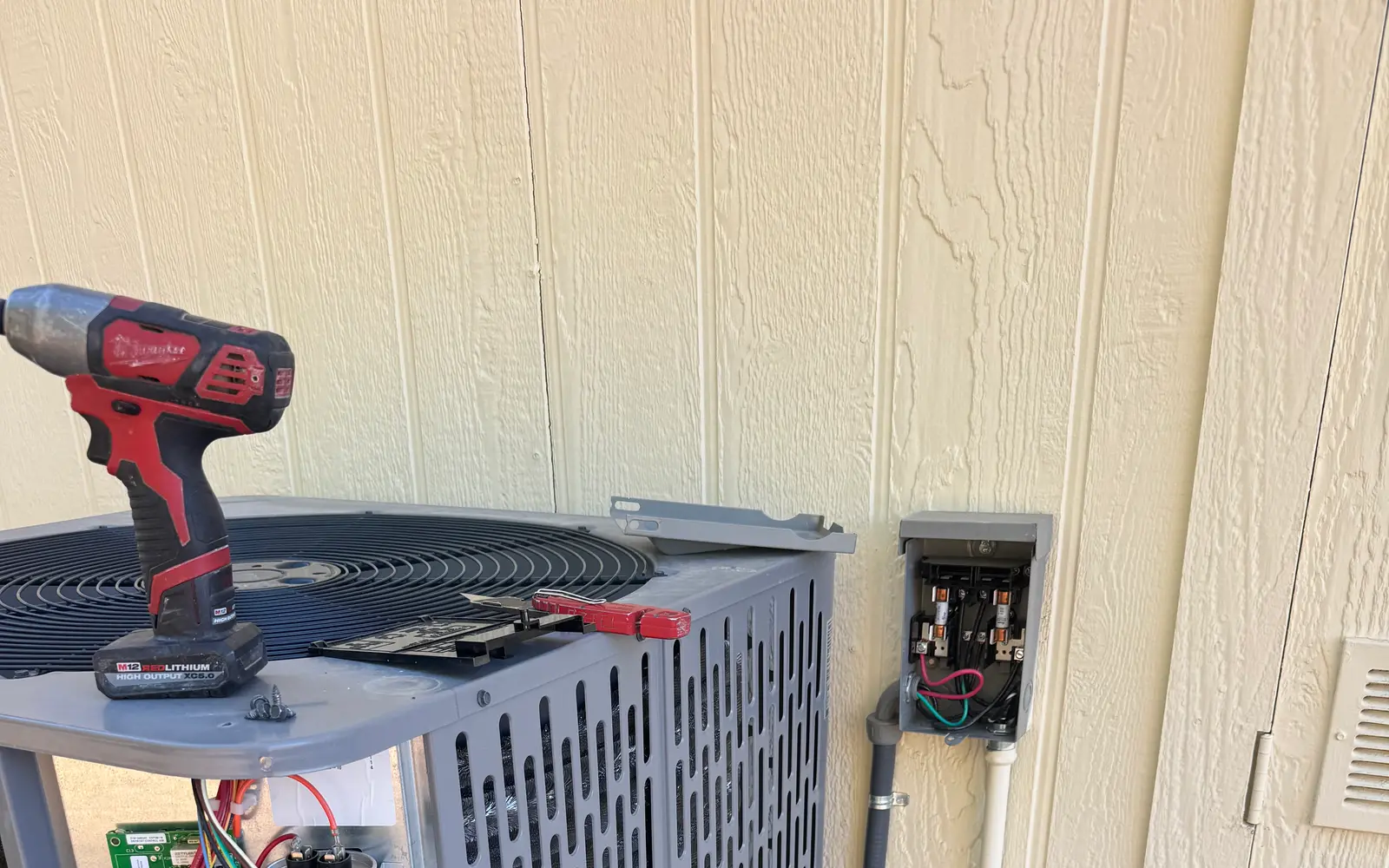
If the thermostat itself reboots, drops off Wi-Fi, or goes dark and comes back, the problem is usually power, and around here that means the C-wire.
The C-wire, short for common wire, carries a continuous trickle of low-voltage power from your heating and cooling equipment to the thermostat. Low voltage means the thin control wiring rather than the heavy line voltage that runs the compressor. That steady supply keeps the screen, Wi-Fi radio and sensor link alive around the clock.
A mechanical thermostat needed no power of its own, and plenty of local houses were wired for one. Take the plate off the wall in a 1920s Craftsman in Pasadena or Altadena, and it is common to find two or three wires and no common. Lennox lists three ways to solve it, and all three come up in the field: repurpose an unused wire in the bundle, use the thermostat maker's power adapter, or run new low-voltage wire.
None of this is a reason to give up. Sorting out the wiring is a short job for a technician, often done during a thermostat repair or replacement visit. One distinction: a thermostat that keeps restarting is a power problem; a sensor that drops off on its own is a range problem, fixed by moving it.
So What Should You Actually Set It To?
ENERGY STAR, the federal program that certifies smart thermostats, does not publish a single ideal temperature. Rightly so: the comfortable number depends on who is home and when, how you sleep, and what your equipment can actually do. A 1950s ranch in Arcadia with original ductwork will not hold the same number as a tight new build.
ENERGY STAR's smart thermostat FAQ puts average savings from a certified model at roughly 8 percent of heating and cooling bills, or about 50 dollars a year, with the caveat that results vary with climate, comfort preferences, occupancy and equipment. And the label is earned: field data from hundreds of real homes has to show a measurable cut in both heating and cooling runtime.
A thermostat can only manage the equipment it has. If your cooling system is oversized, worn, or shutting off and restarting every few minutes, no setting fixes that.
A Starting Point for Summer and Winter
The recommended thermostat settings for summer and winter you will see repeated almost everywhere are 78 degrees when you are home in summer and 68 in winter. They are a widely used starting point, not a rule. What matters more is the setback, meaning the gap between the temperature you hold while people are home and the one you allow while the house is empty or asleep.
In summer, let the house drift several degrees warmer while it is empty, with cooling scheduled to start before you get home. Overnight, if a bedroom sensor is running the show, set the number for how you actually sleep, not for the hallway.
As for what you should set your thermostat at in the winter, our mild valley winters make that a comfort decision rather than a survival one. Start near 68 while you are home and ease it down while you sleep.
The Filter Reminder Is Worth Turning On
Turn on the filter reminder and trust it. Nest bases it on how long the blower has actually run rather than a calendar date, which matters where Santa Ana winds and wildfire smoke load filters fast. It has to be reset by hand each time you change the filter. We explain why a clean filter does more for your bill than almost anything else in a separate post.
What Your Utility Will Currently Pay You
These figures are current as we write and do change, so confirm them on your utility's own page before you buy. Most programs use demand response: on the hottest afternoons the utility nudges your thermostat's target temperature up a few degrees for a few hours. You can override it manually any time you are uncomfortable, though skipping too many events can get you dropped.
Pasadena Water and Power currently pays a 50 dollar rebate on a new Wi-Fi smart thermostat, and 10 dollars more if it came from a Pasadena retailer. Apply within 180 days; Pasadena Water and Power's smart thermostat rebate page says plainly that funds are limited.
Burbank Water and Power's Cool Rewards currently credits 75 dollars up front and 50 dollars a year, on up to two enrolled Wi-Fi thermostats, in return for letting it run summer weekday events of up to four hours during the May through October season.
Glendale Water and Power's Peak Savings currently gives Glendale households a 100 dollar instant rebate on a qualifying thermostat from GWP's marketplace, plus a 50 dollar sign-up bonus and 50 dollars for each year you stay enrolled. The catch is the deadline: enroll within 40 days of the rebate or it is charged back.
If Southern California Edison bills you instead, SCE's Smart Energy Program currently pays a 75 dollar bill credit for enrolling through an authorized provider, with further credits for taking part in summer energy events.
What a Sensor Cannot Fix
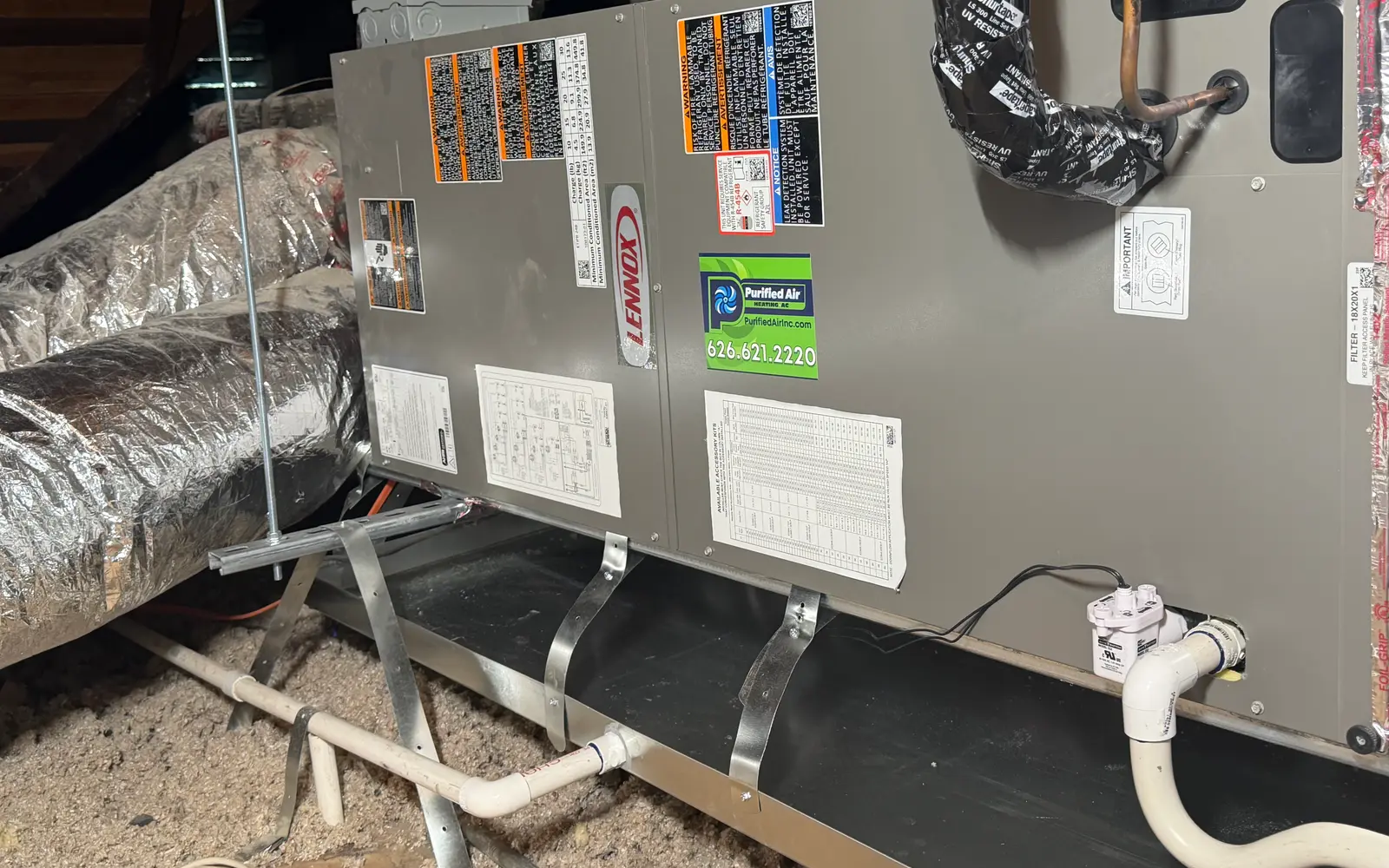
A sensor changes which room your system pays attention to. It does not add capacity, seal a leaking duct, or create a return where there is none. If the back bedroom sits many degrees off the rest of the house, a sensor just makes the thermostat chase that room. That is an airflow problem wearing a thermostat costume, and we walk through what actually makes one room hotter than the rest separately.
A thermostat also cannot control equipment that is not there. For homes still running on window and portable units, the real decision is whether central air or a ductless system belongs in the plan at all.
If your thermostat is fighting you, or you are not sure what the wiring behind the wall plate will support, we are glad to take a look and tell you plainly what you have to work with. Being comfortable in the rooms you actually live in is worth getting right. Purified Air is a family-owned, Lennox Certified team based in Pasadena, serving the San Gabriel Valley, Burbank and Glendale. Call us at 626-621-2220.